
Scaled to your household
Quantities follow the number of people you’re actually feeding, all the way through to the shopping list.
Nom plans your weeknight dinners around three things most recipe apps ignore: your budget, your supermarket, and how many people you’re actually cooking for.

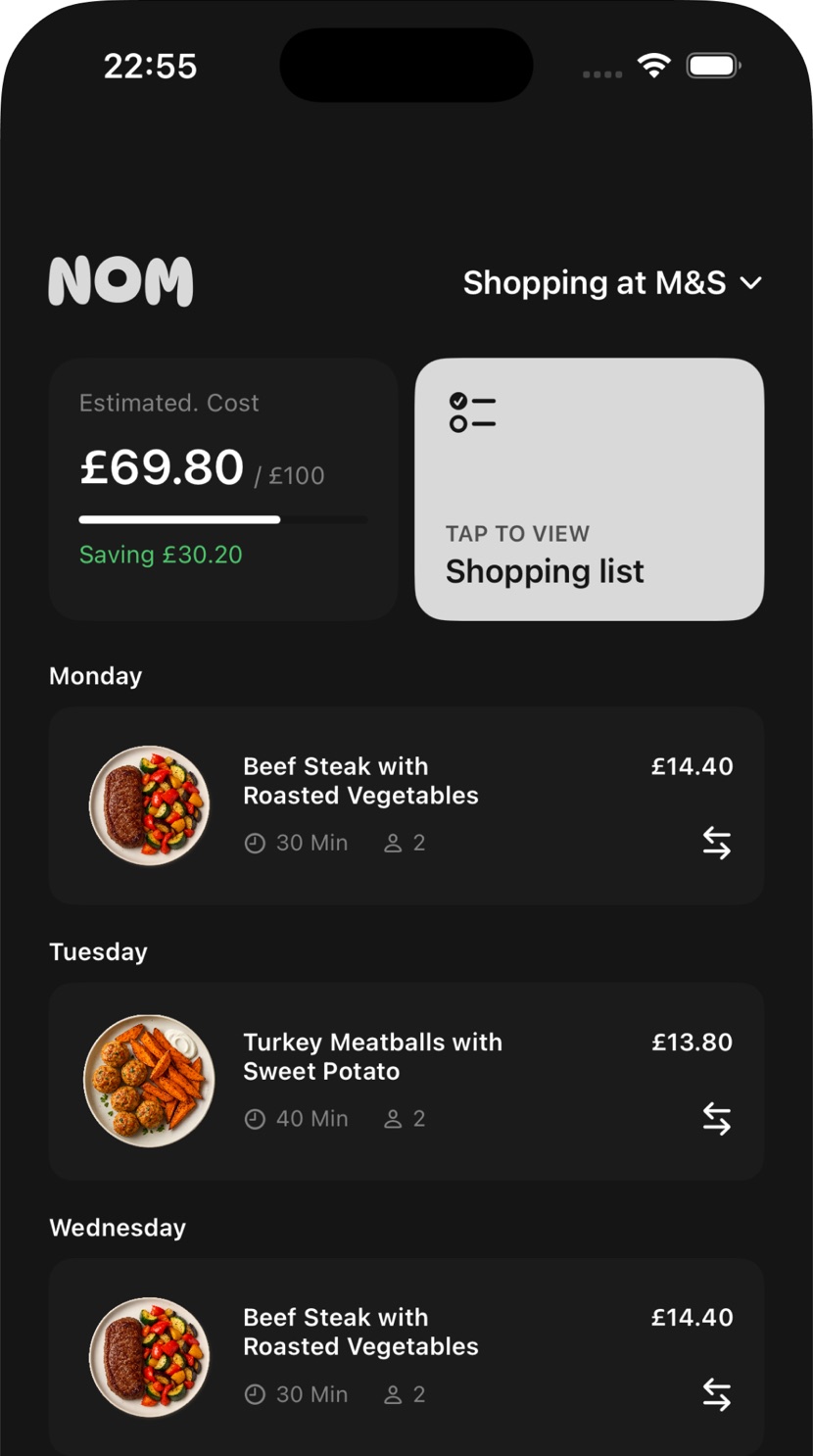
Screens show a household shopping in the UK. Supermarkets and currency follow the country you’re in.
Setup takes a couple of minutes. After that, a week takes seconds.
Step one
Which nights you cook, who you’re cooking for, what you’d rather avoid, and where you shop.
Step two
Swipe through dinners and pick your own, or let Nom build the whole week for you.
Step three
Grouped by aisle, scaled to your household, and costed against your budget before you leave the house.
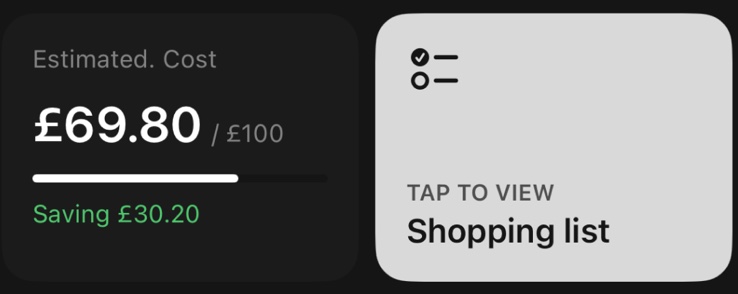
Set a weekly budget and Nom shows you where the plan lands against it. Choose from the supermarkets in your country and the estimate adjusts to reflect where you actually shop.
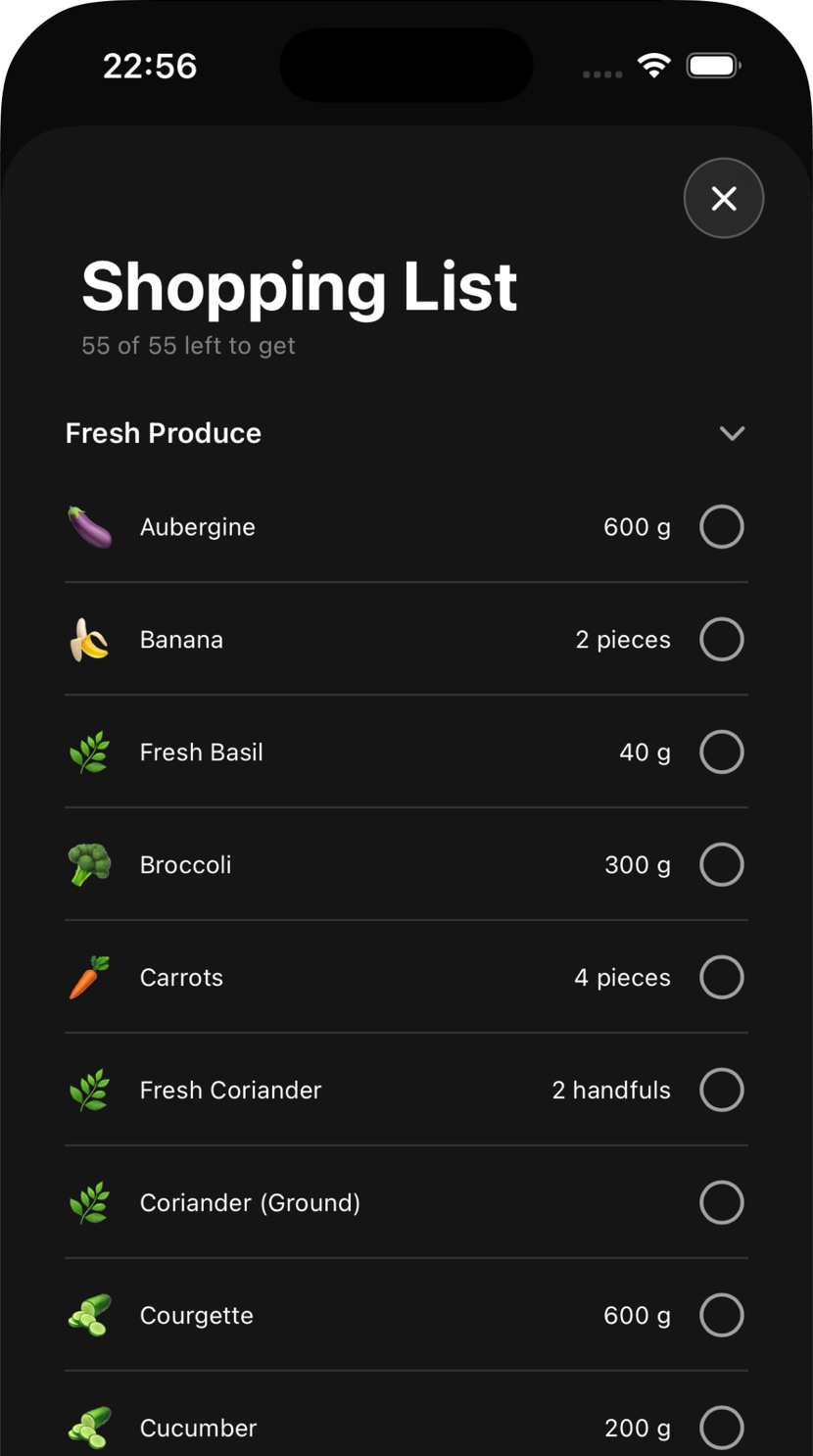
Every dinner in the week collapses into a single shopping list. Ingredients are combined across recipes and quantities are scaled to the number of people you’re feeding — so you buy one bunch of coriander, not four.
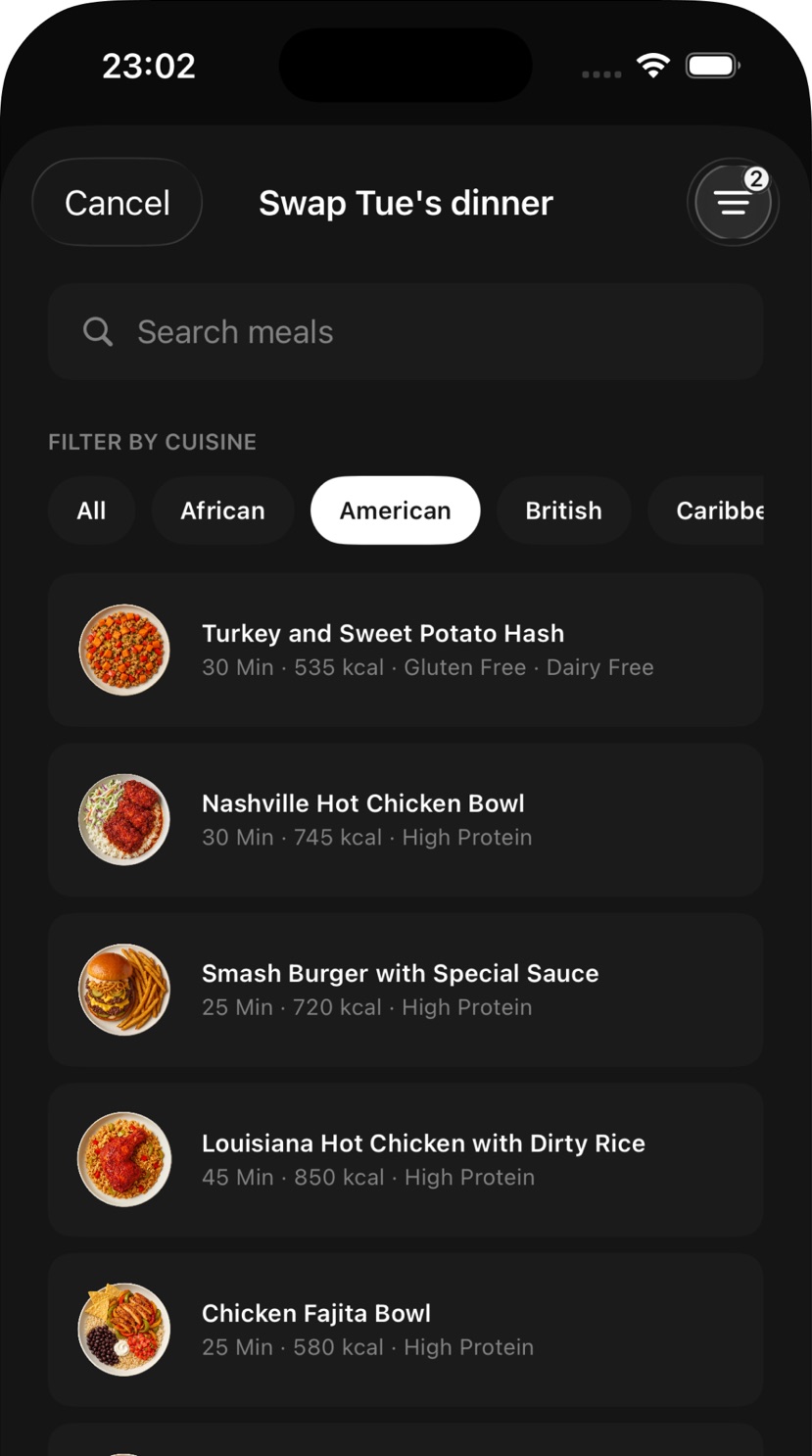
Any dinner in the week can go. Filter what replaces it by cook time, nutrition, protein, cuisine or what you avoid, pick something else, and your shopping list updates with it.
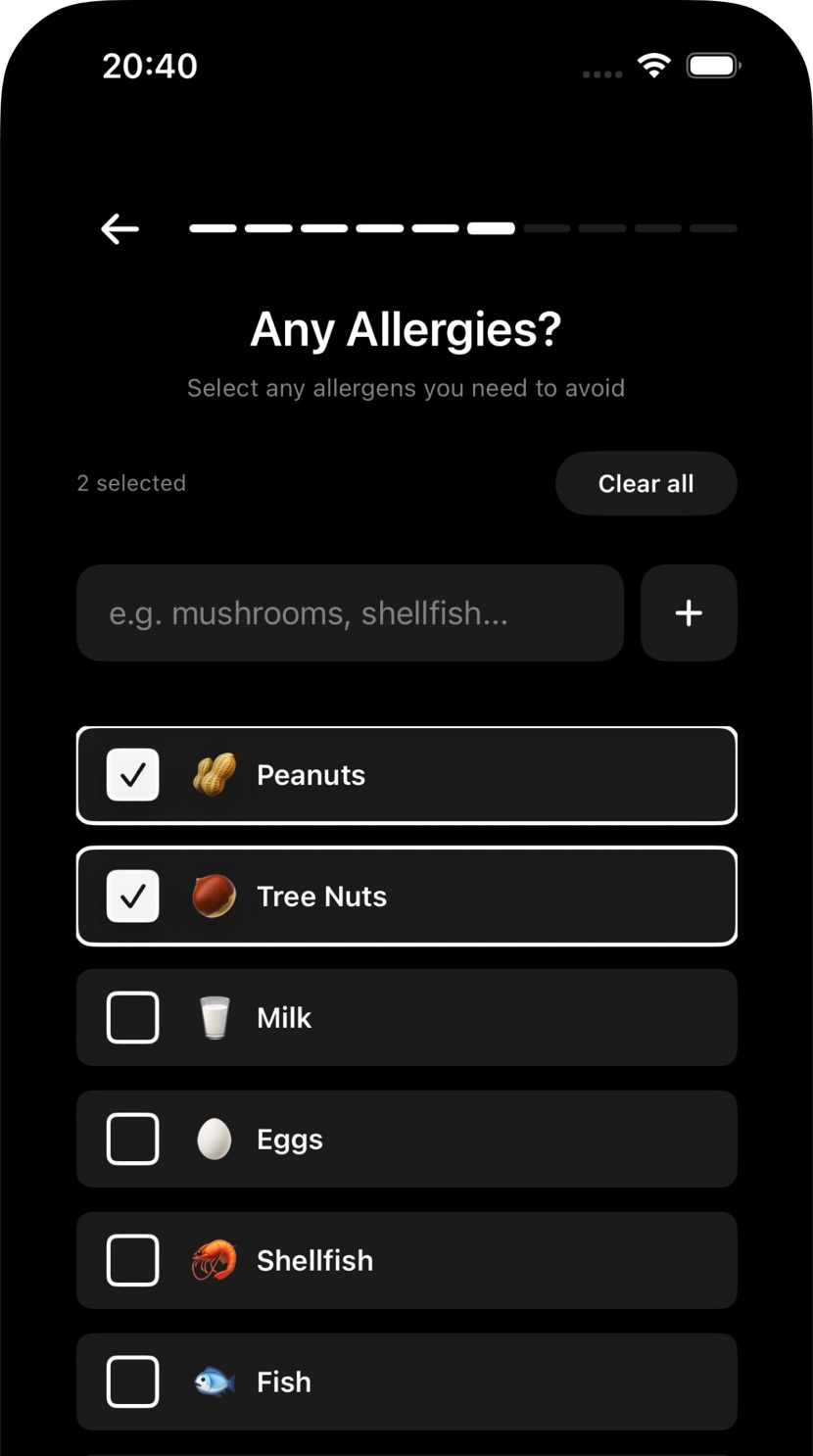
Vegetarian, vegan, gluten free, dairy free, pescatarian or avoiding pork — Nom only plans dinners that fit. Add allergens and they’re filtered out before you ever see them.
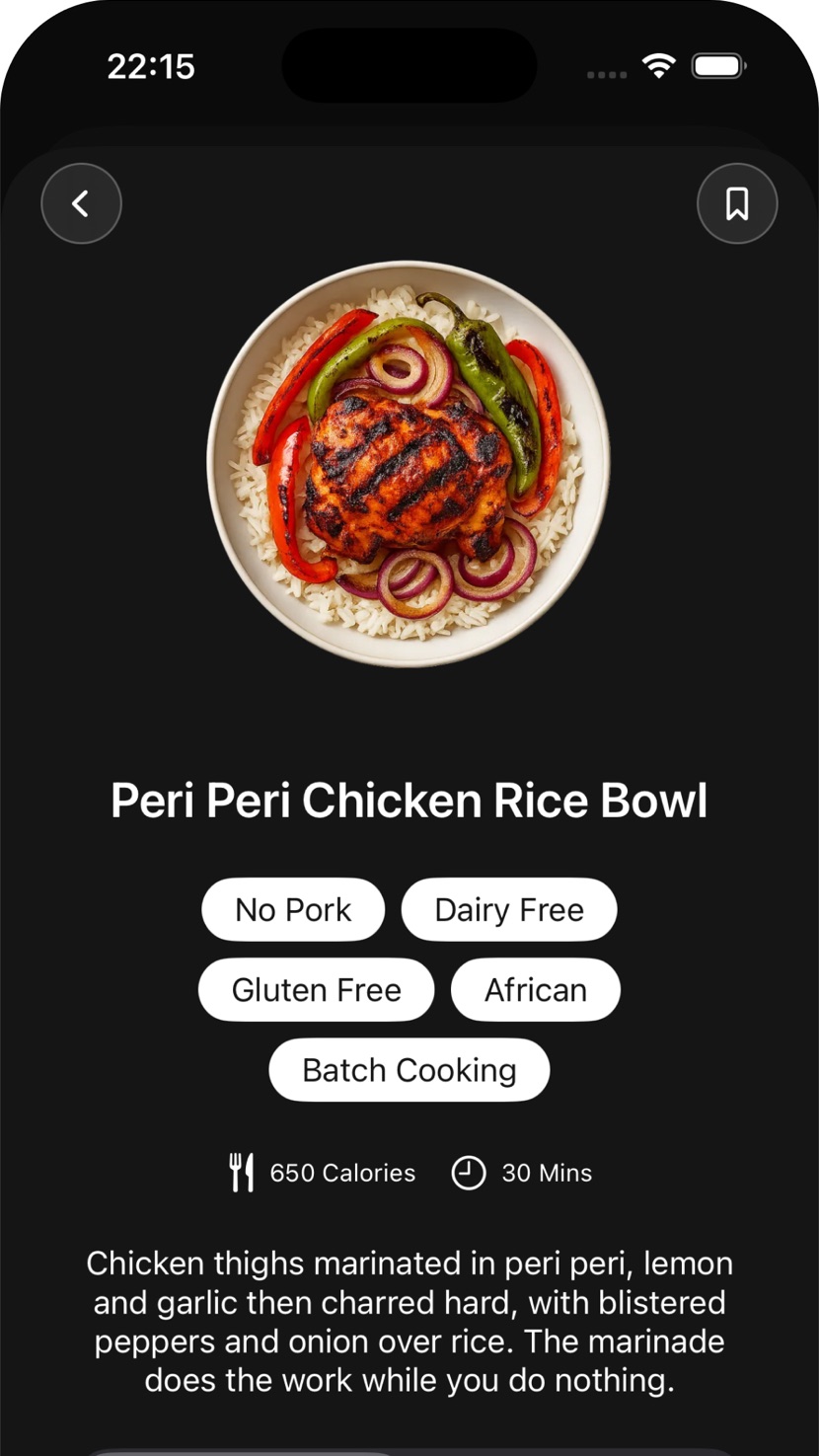
Each dinner has its own page: what’s in it, how long it takes, what it comes to, and the method in order. Save the ones that worked, and add your own recipes alongside them.
Nom remembers the week it just gave you, and the one before that.
Quantities follow the number of people you’re actually feeding, all the way through to the shopping list.
Pick your supermarket and the week’s estimate adjusts to reflect where you’re buying.
Tell Nom the proteins you enjoy and your plan starts from those instead of from everything.
Nom remembers what it has already served you and reaches for something new first.
Add the dinners you already cook and Nom plans them in alongside the rest of the week.
Keep the ones that worked. They’re there when you want them back in a week.
Seven days free, then £4.99 a month. There’s no cut-down free version and no ads — the trial is the whole app, and after that it’s a subscription.
Payment is charged to your Apple Account at confirmation of purchase. Subscriptions renew automatically unless cancelled at least 24 hours before the end of the current period. See the Terms of Use and Privacy Policy.
Answer a few questions tonight, and the week is already done.